
Smart TVs are great, but a dedicated TV box makes your TV faster, easier to use, and helps you find movies quicker. Here is the simple way to pick the right one.
The easiest way to choose is to stick with the technology you already use.
1. Pick Your “Team” (The Operating System)
The easiest way to choose is to stick with the technology you already use.
- Choose Apple TV if: You have an iPhone or iPad. It connects easily, has zero ads, and is very fast. It is the premium option.
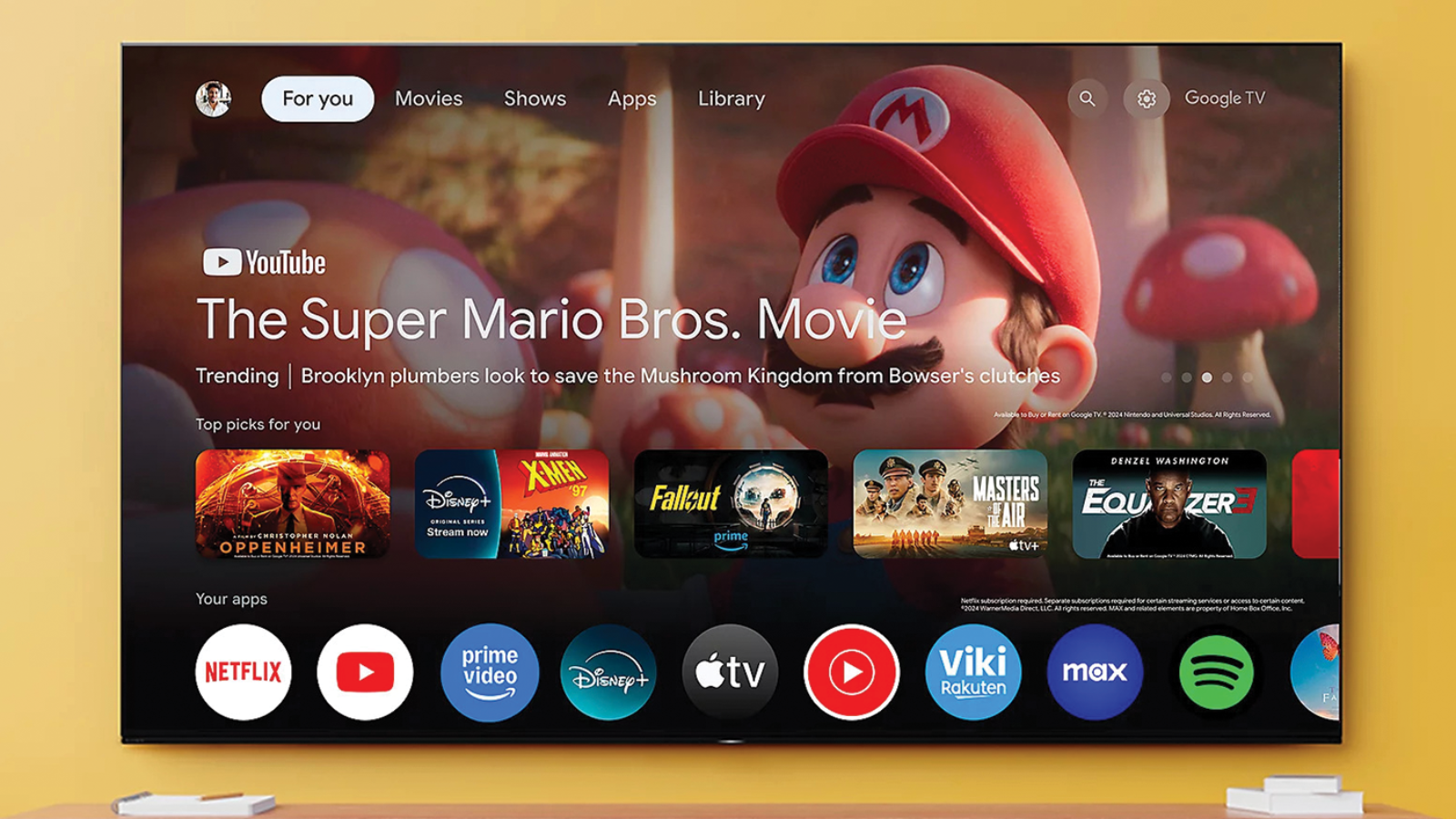
- Choose Google TV (Android) if: You have an Android phone or use Google Home. It is great for voice search and has the most free apps.
- Choose Roku if: You want it simple. It has a plain menu, a simple remote, and works with everything. Great for guest rooms or grandparents.
- Choose Fire TV (Amazon) if: You have Amazon Prime. It is usually the cheapest option and works great with Alexa.
2. Three Features You Actually Need
Don’t worry about the complicated specs. Just look for these three things on the box:
- 4K Resolution: Even if you don’t have a 4K TV yet, buy a 4K box. It makes the picture look sharper and ensures the device won’t be obsolete in a year.
- Voice Remote: Typing on a TV screen is annoying. Make sure the remote has a microphone button so you can say “Find action movies” instead of typing it.
- Wi-Fi 6 (or Ethernet): This just means “fast internet connection.” It stops your movies from buffering (spinning circle) in the middle of a scene.
3. Stick vs. Box: Which is Better?
- The Stick (Dongle): Small and hides behind the TV.
- Best for: Wall-mounted TVs and saving money.
- The Box (Console): Larger and sits on your TV stand.
- Best for: Faster speed, playing games, and connecting to internet cables (Ethernet).
Leave A Comment